In today’s visual-first world, every image tells a story, but not every photo tells it perfectly. Whether you’re a beginner photographer, a content creator, or an eCommerce seller, mastering professional photo editing can completely change how your visuals look and feel. From enhancing colors to removing blemishes and adjusting lighting, photo editing brings life, clarity, and professionalism to your images.
This complete guide will walk you through everything you need to know about professional photo editing for beginners, including tools, techniques, and tips to help you create stunning, high-quality images that stand out online.
1. What Is Professional Photo Editing?
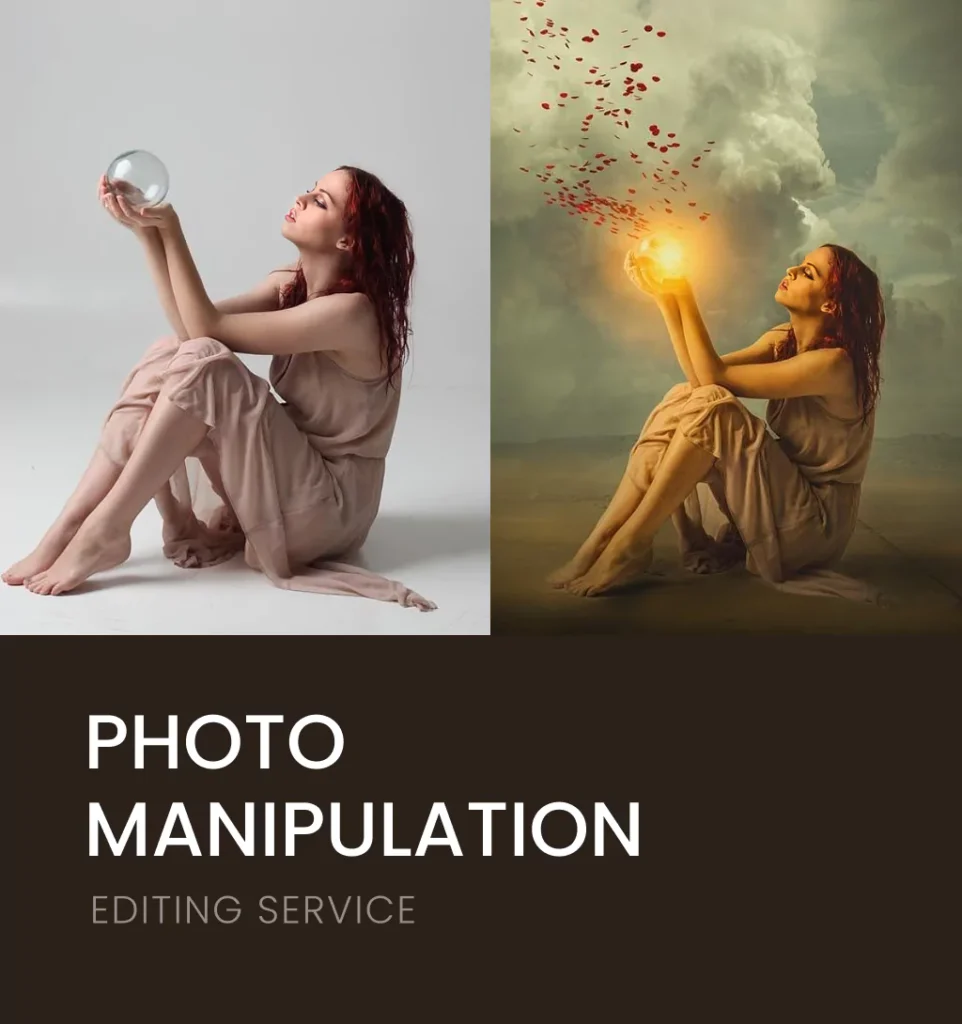
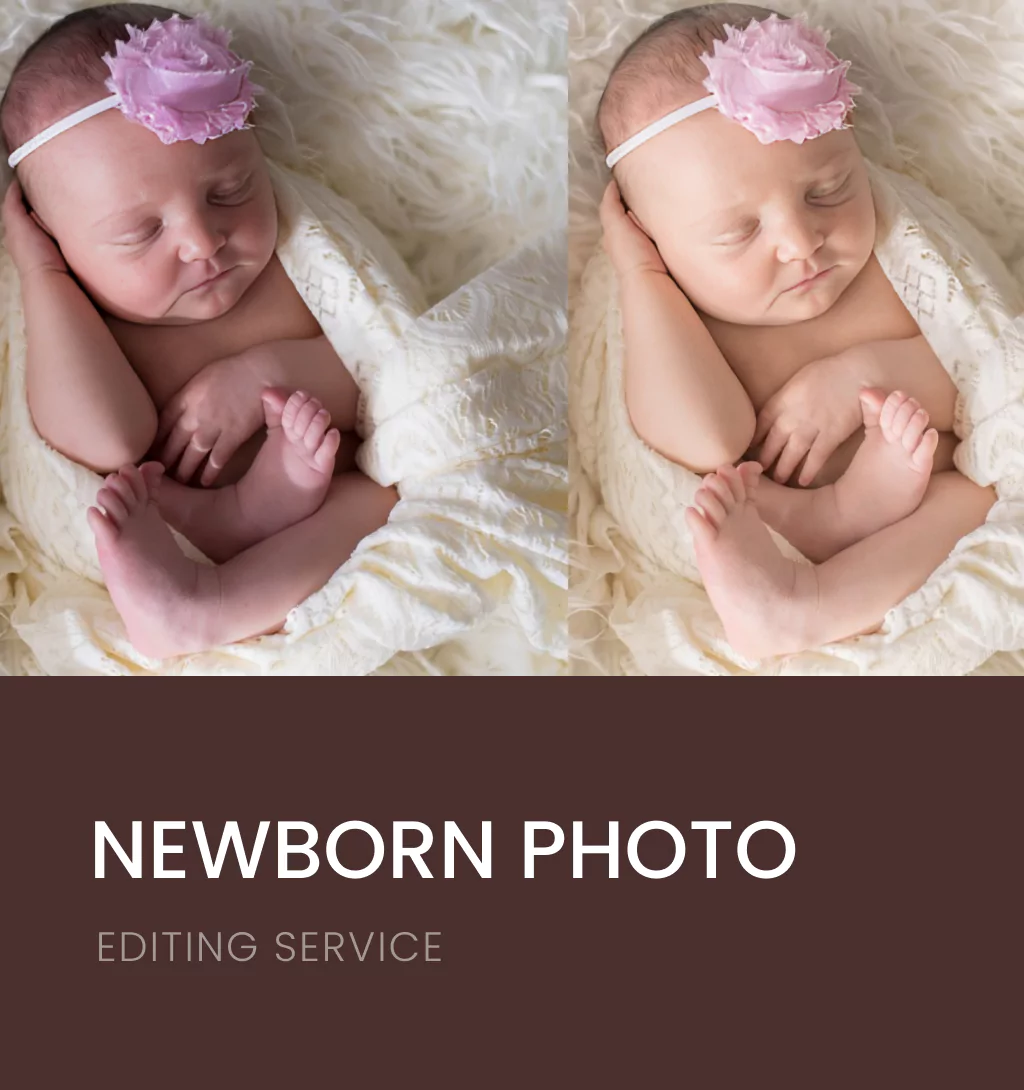
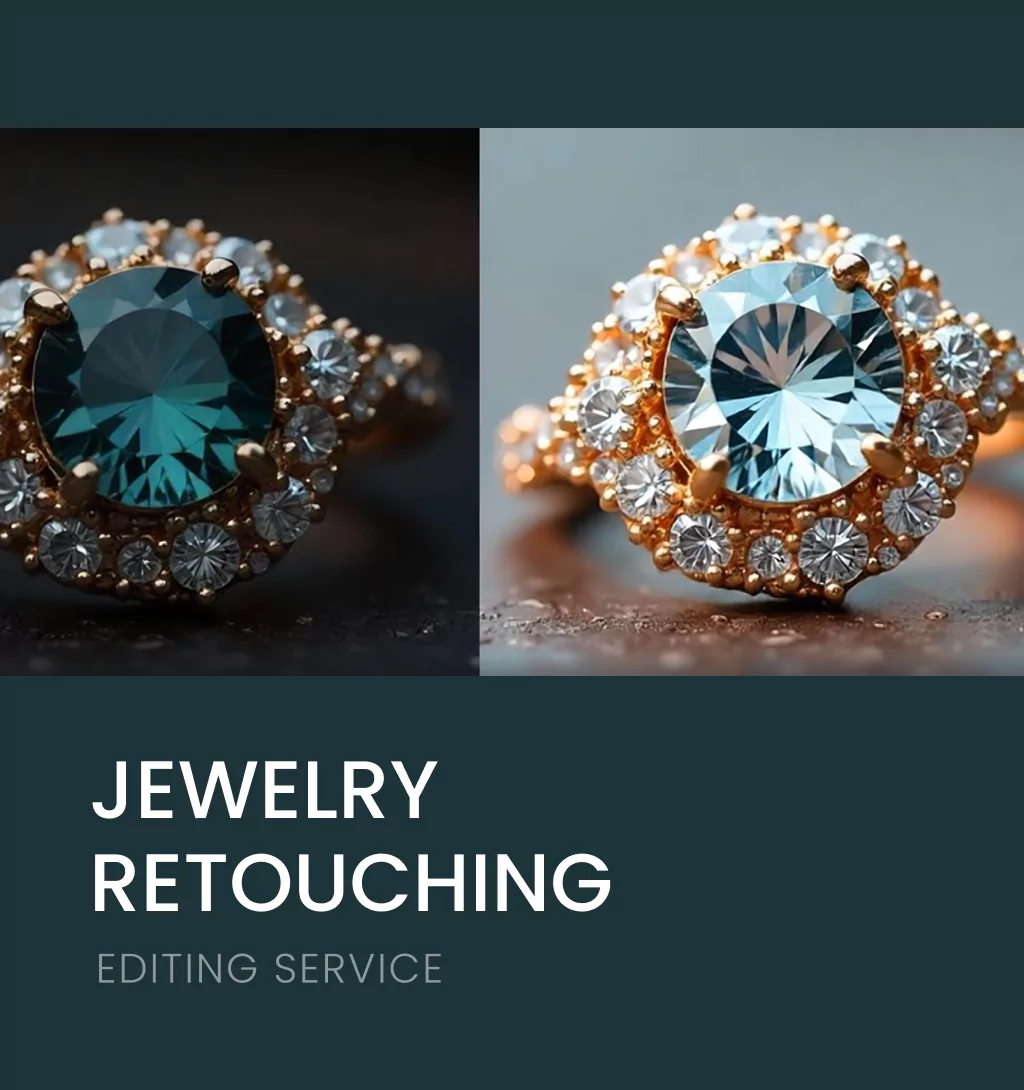
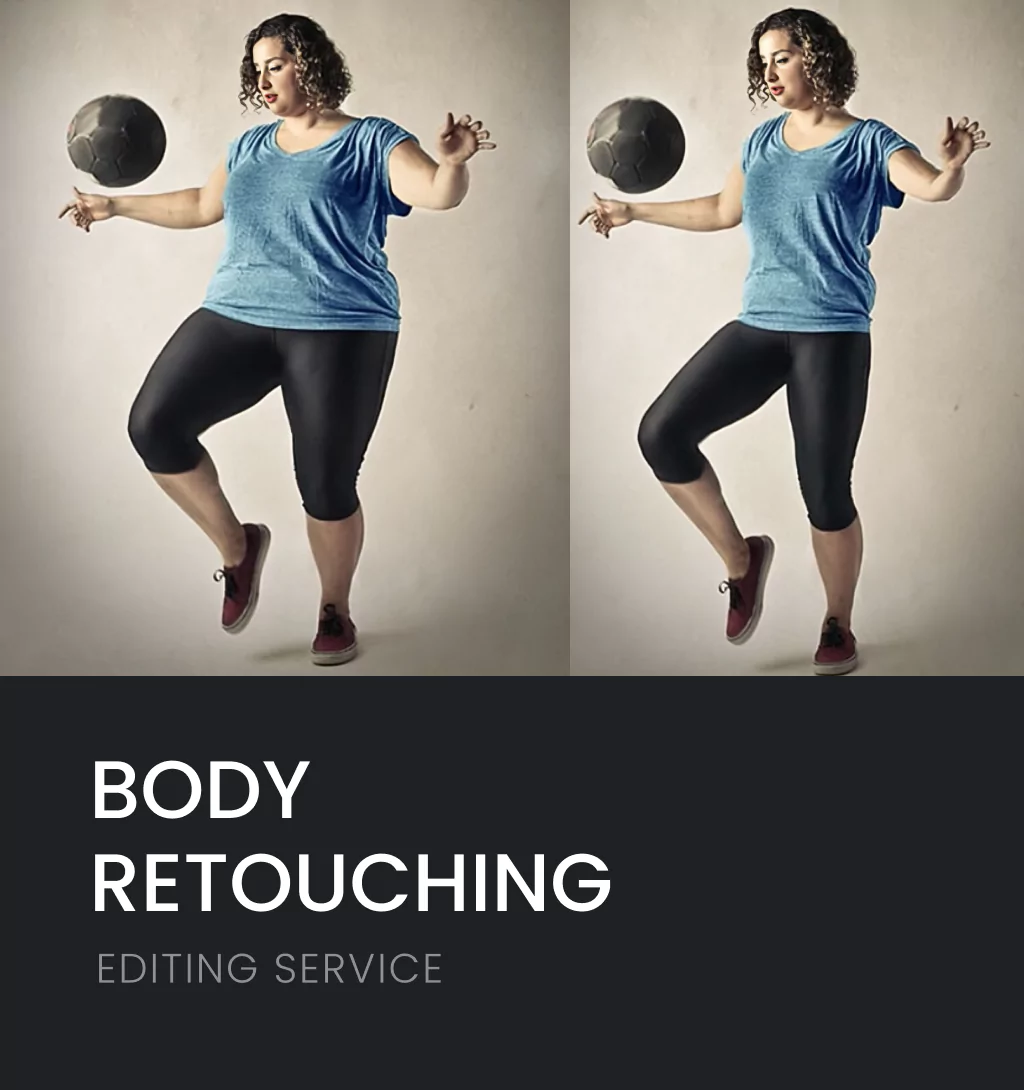
Professional photo editing is the process of enhancing and retouching images to make them look polished, realistic, and visually appealing. Unlike casual filters or basic mobile apps, professional editing focuses on perfecting every detail from exposure and color tone to composition and texture.
It involves various techniques such as:
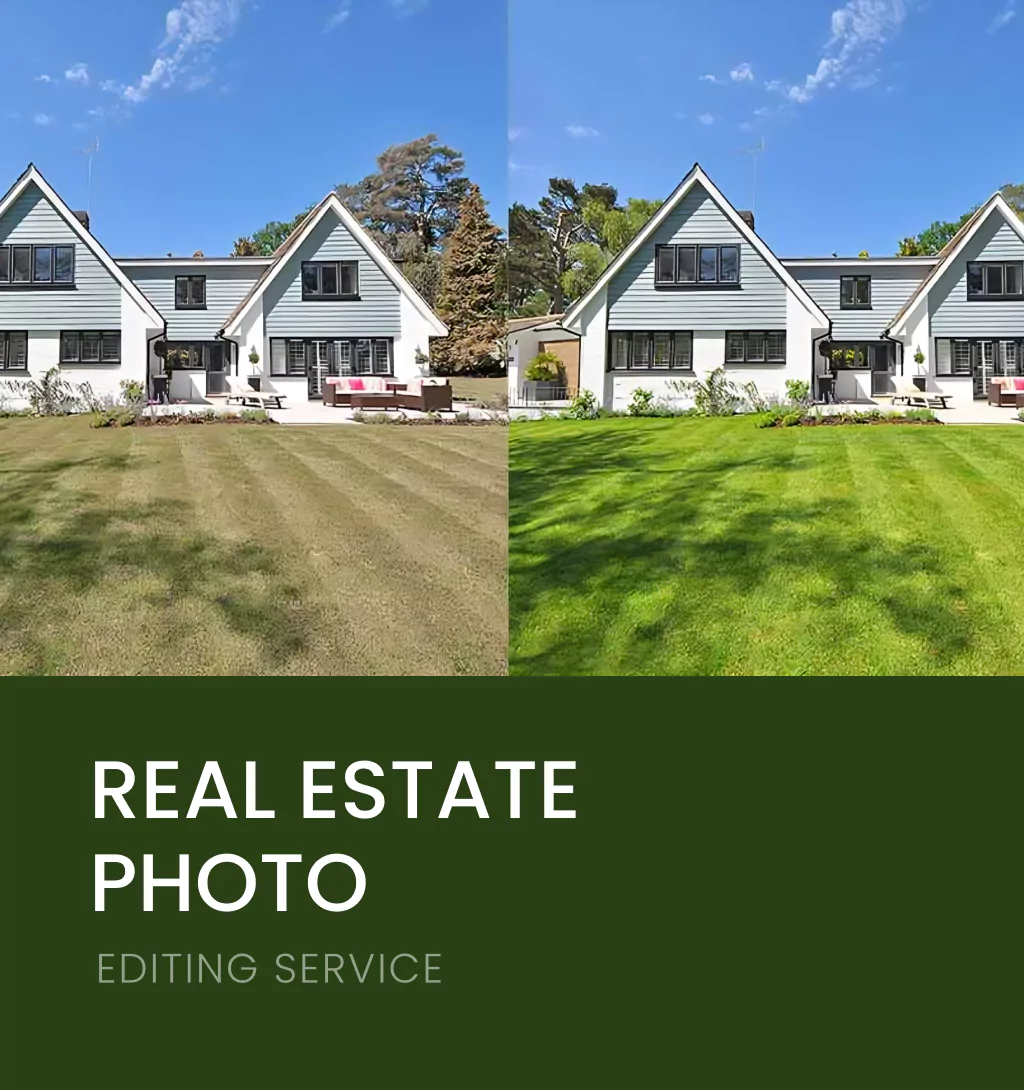
- Color correction and white balance adjustment
- Background removal or replacement
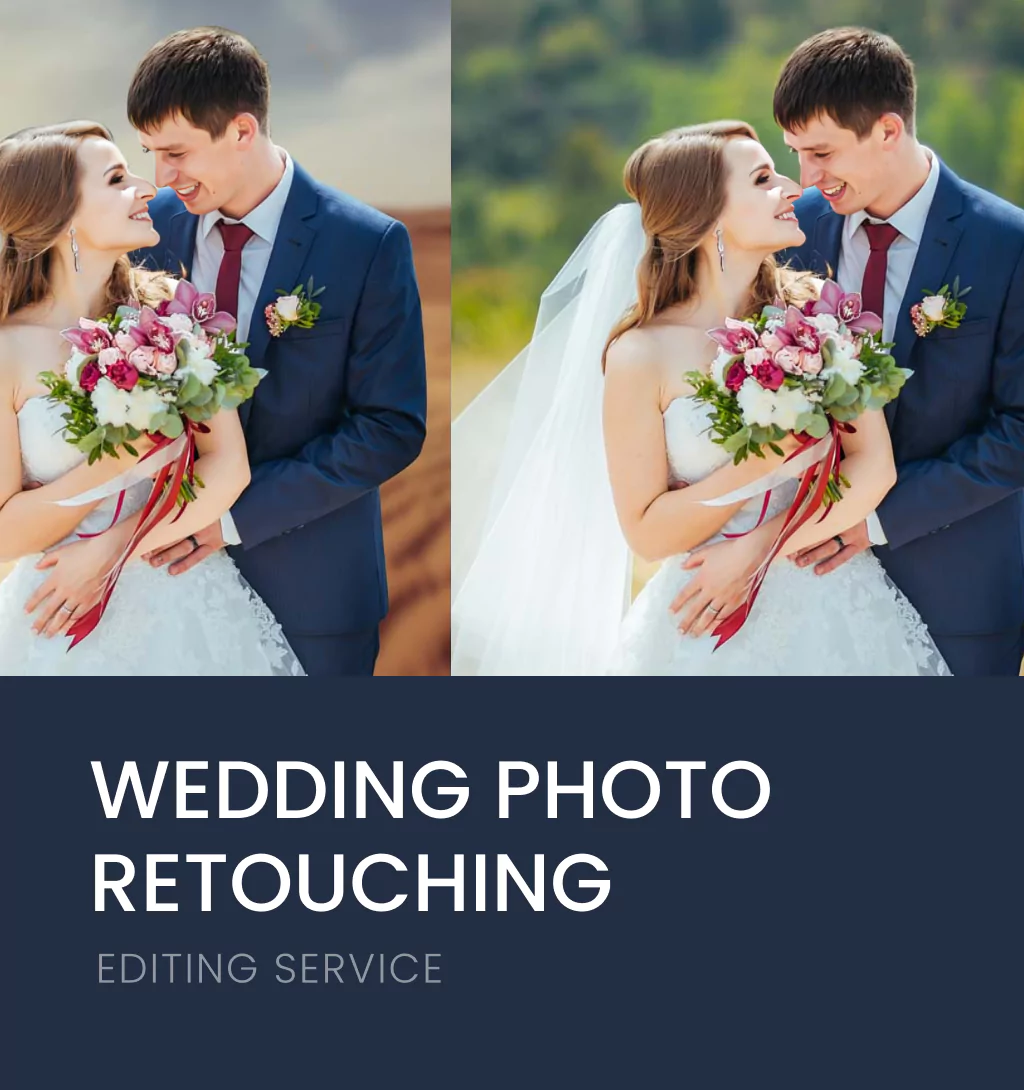
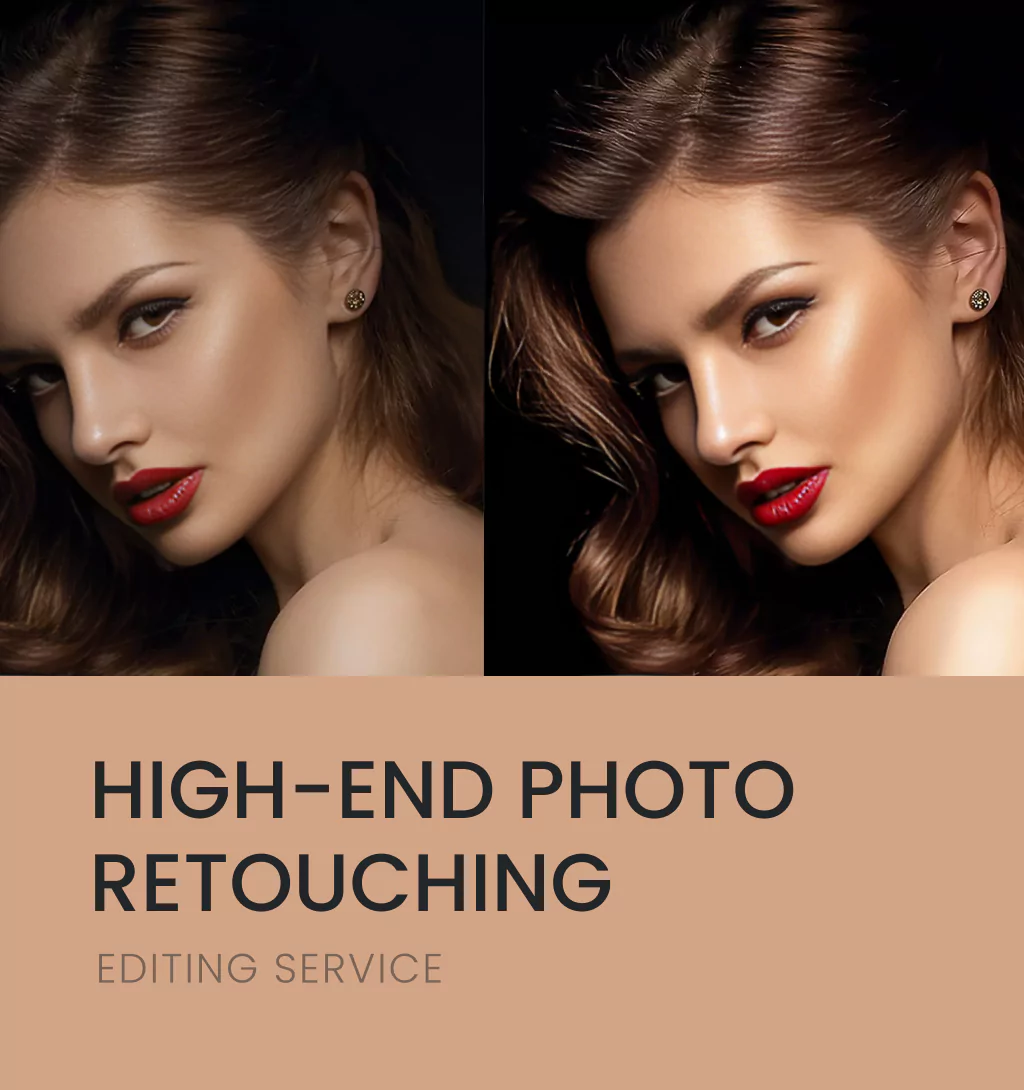
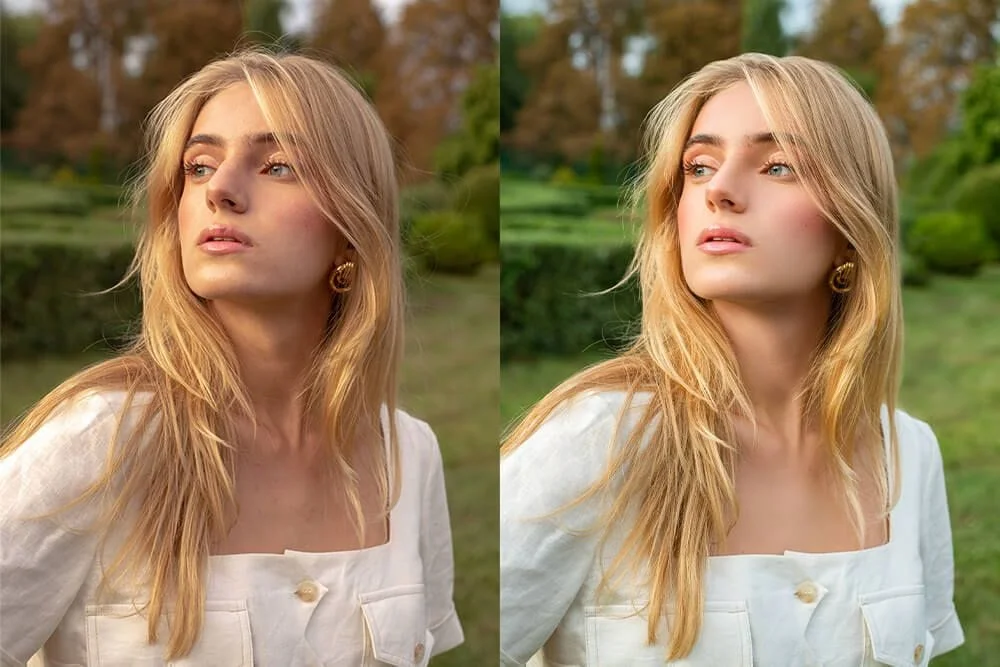
- Skin retouching and blemish removal
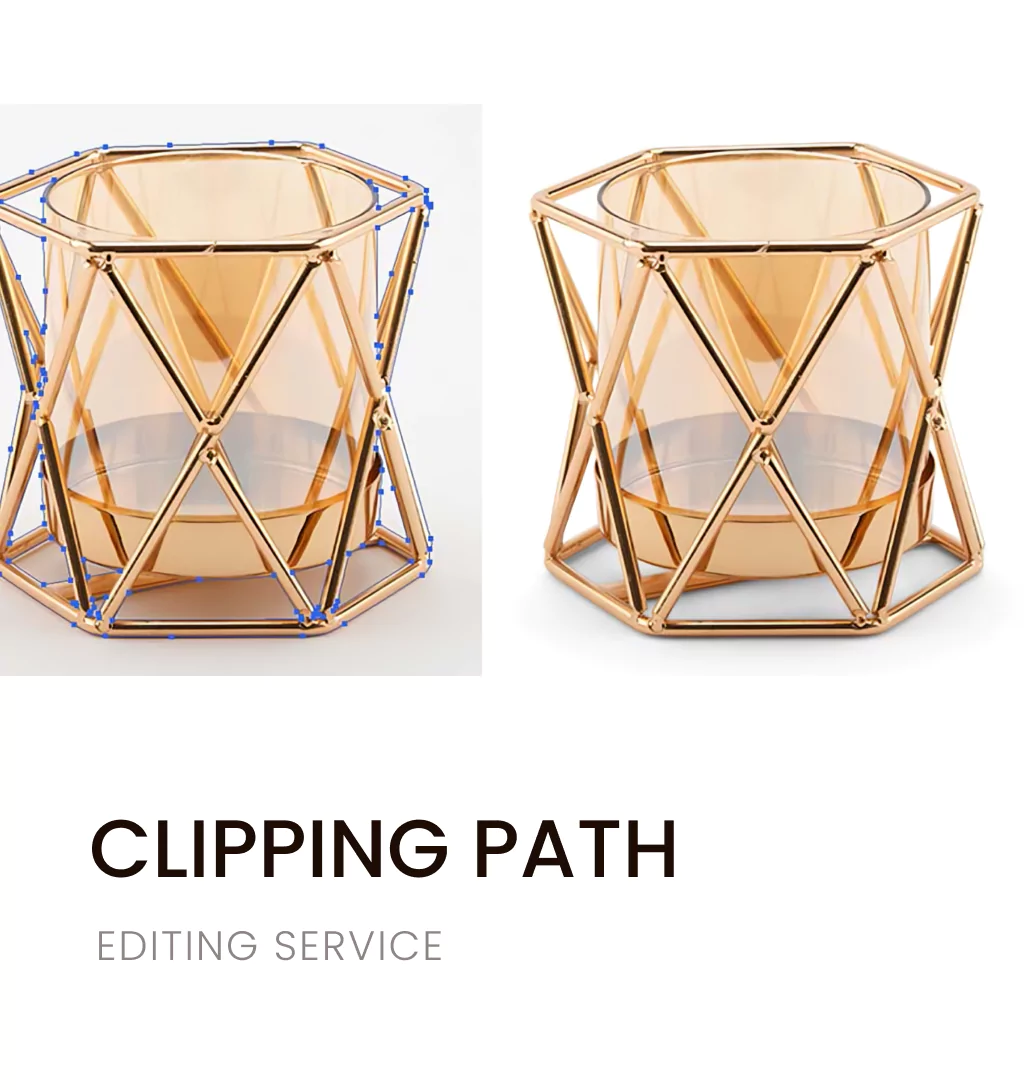
- Clipping path and image masking
- Shadow creation and image resizing
For businesses, especially in eCommerce and fashion photography, professional photo editing ensures every product image or portrait looks consistent, sharp, and ready for marketing.
2. Why Photo Editing Matters for Beginners
If you’re new to photography or digital content creation, learning photo editing skills can elevate your work instantly. Here’s why it matters:
- Creates visual consistency: Consistent tones and lighting make your portfolio or store look professional.
- Boosts online appeal: Professionally edited photos perform better on websites, social media, and ads.
- Builds confidence: Knowing how to correct mistakes in photos gives you creative freedom and control.
- Increases sales in eCommerce: Sharp, clean product photos are proven to improve conversion rates.
Even small edits can make a huge difference when it comes to attracting and engaging your audience.
3. Essential Tools for Professional Photo Editing
Beginners often ask: What tools do professionals use for photo editing? Here are some of the best tools to get started:
- Adobe Photoshop – The gold standard for advanced photo retouching and composite editing.
- Adobe Lightroom – Ideal for color grading, exposure adjustment, and batch editing.
- Capture One – Perfect for RAW image editing and professional photographers.
- GIMP – A free, open-source alternative with powerful editing features.
Learning how to use layers, masks, and adjustment tools in these programs can turn a flat photo into a professional masterpiece.
4. Step-by-Step Photo Editing Workflow for Beginners
Here’s a simple, beginner-friendly workflow for professional photo editing:
Step 1: Import and Organize Your Images
Start by importing your images into your editing software. Use folders and tags to organize them especially if you’re managing eCommerce product photos or client shoots.
Step 2: Adjust Basic Settings
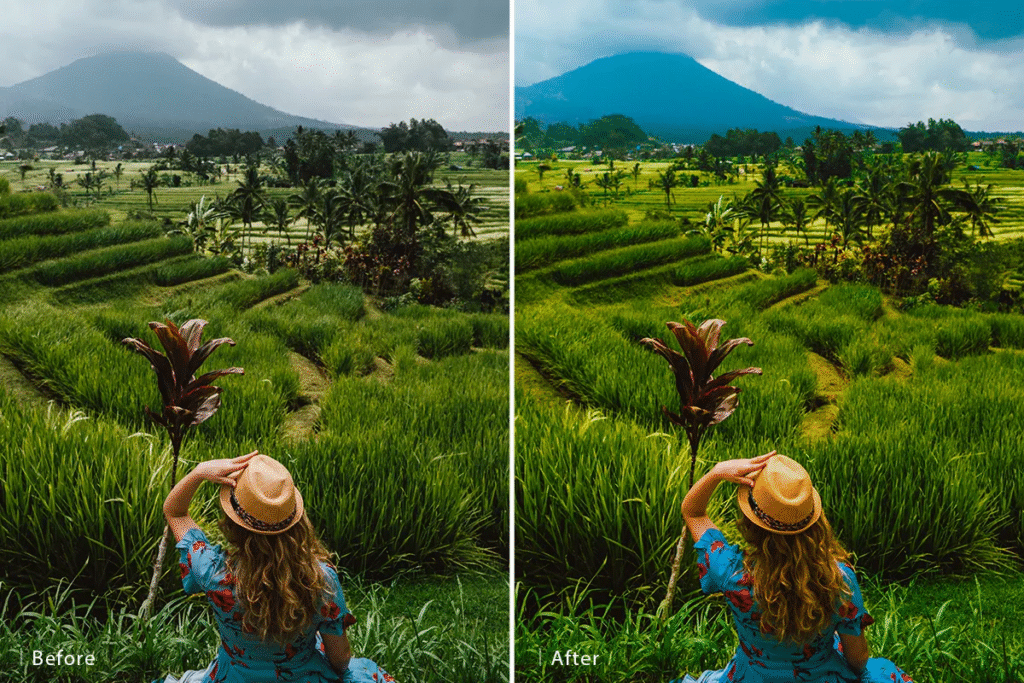
Tweak exposure, contrast, white balance, and sharpness. This corrects lighting issues and gives your photo a balanced look.
Step 3: Enhance Colors
Use HSL (Hue, Saturation, Luminance) adjustments to make colors pop naturally without oversaturation. Aim for realistic skin tones and natural lighting.
Step 4: Crop and Straighten
Proper framing enhances composition. Crop out unnecessary elements and straighten the horizon for professional symmetry.
Step 5: Retouch Imperfections
Remove dust, wrinkles, blemishes, or unwanted background distractions using healing and clone tools.
Step 6: Apply Sharpening and Noise Reduction
Sharpen details carefully, and reduce digital noise for smooth, clean images especially in low-light photography.
Step 7: Export for Use
Save images in the right formats:
- JPEG for web uploads
- TIFF for printing
- PNG for transparent backgrounds
Always keep a high-resolution backup to preserve the original photo quality.
5. Common Photo Editing Mistakes Beginners Should Avoid
Learning photo editing takes practice, but avoiding these common mistakes can save time and frustration:
- Over-editing: Avoid using extreme filters or excessive contrast. Subtlety makes images look natural.
- Ignoring color accuracy: Colors should match reality, especially for product photography.
- Losing texture: Too much smoothing can make portraits look plastic.
- Cropping too much: Cutting out key details can reduce visual appeal.
- Skipping consistency: Maintain a uniform style across your portfolio or eCommerce listings.
7. Tips for Becoming a Professional Photo Editor
If you want to master professional photo editing, consistency and patience are key. Here are some tips to grow faster:
- Practice with RAW files: They hold more data for color and lighting correction.
- Learn from tutorials: YouTube, Skillshare, and Adobe’s official courses are great for beginners.
- Experiment with presets: Start with pre-made filters, then tweak them to match your style.
- Keep backups: Always save your original images before editing.
- Understand lighting: Editing can’t fix everything great lighting during shooting makes editing easier.
With time, you’ll learn to blend creativity and technique to produce visually stunning, professional-quality results.
8. Outsourcing Photo Editing: When to Get Professional Help
As your workload grows, you may find editing every photo time-consuming. This is where outsourcing photo editing comes in handy.
Professional editors can handle:
- Bulk product photo editing for online stores
- High-end portrait retouching for photographers
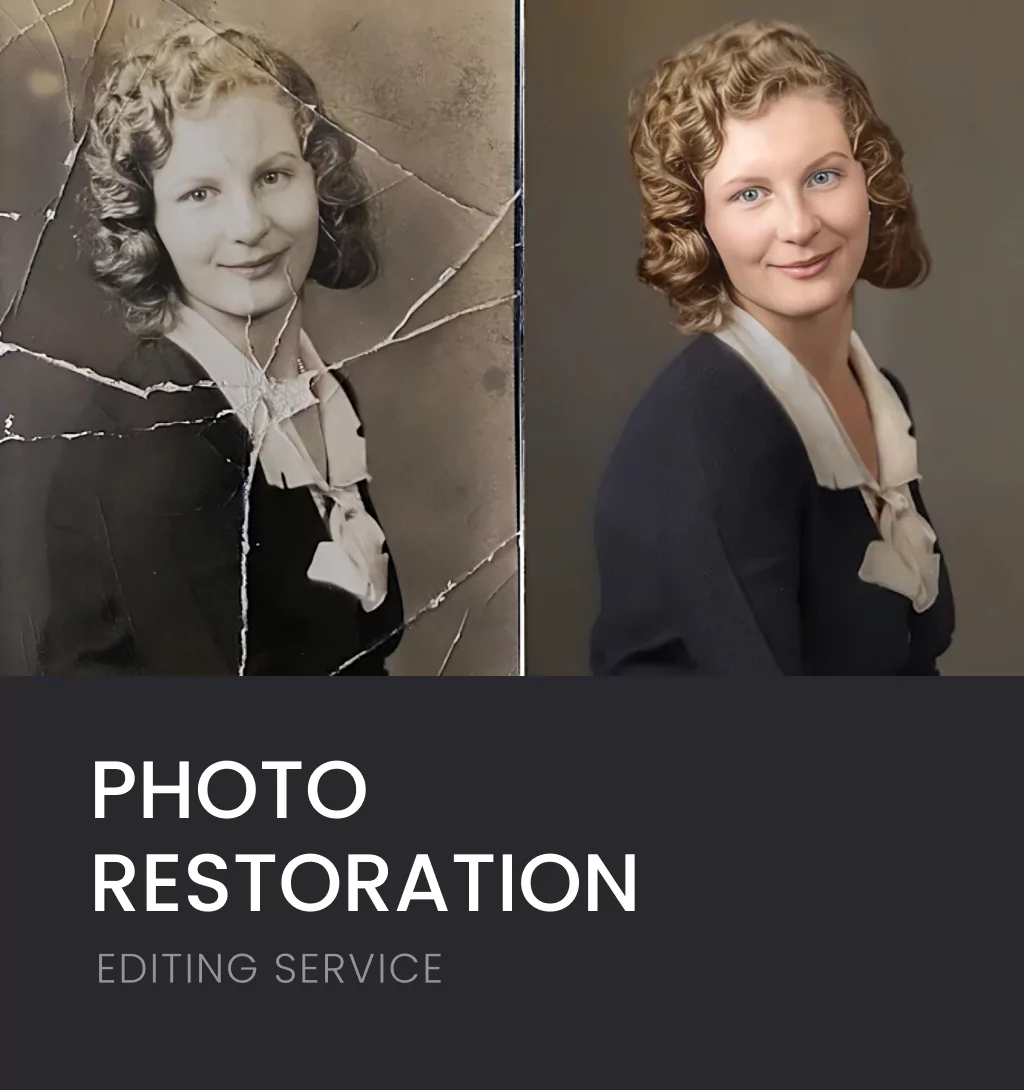
- Image restoration and background removal for marketing materials
Outsourcing ensures consistent, studio-quality results while saving your time to focus on creativity or business growth.
Final Thoughts
Professional photo editing is more than just enhancing images — it’s about creating visuals that tell stories, build brands, and drive engagement. For beginners, learning editing skills can open doors to new opportunities in photography, eCommerce, and design.
If you want expert-level editing that maintains original quality, enhances color accuracy, and delivers flawless results, Emend Studios can help. Specializing in product photo editing, portrait retouching, clipping paths, and photo restoration, Emend Studios ensures your images are polished, professional, and market-ready.
Let your visuals stand out; trust Emend Studios to bring perfection to every pixel.